Gmail
Gmail

Gmail Integration for Construction Invoice Capture & Automation

Automatically find, extract, and prepare construction invoices directly from your Gmail inbox using AI. No forwarding rules. No manual downloads. Just clean invoices ready for approval.

how sledge works with gmail

1. Securely Connects to Your Gmail Inbox

1. Securely Connects to Your Gmail Inbox

Secure Gmail integration for your AP and invoice inboxes.

2. AI Scans Emails to Find Invoices

2. AI Scans Emails to Find Invoices

AI scans Gmail to detect invoice emails and attachments.

3. AI Reads and Extracts Invoice Data

3. AI Reads and Extracts Invoice Data

AI invoice processing extracts key invoice data automatically.

4. Invoices Are Ready for Human Review

4. Invoices Are Ready for Human Review

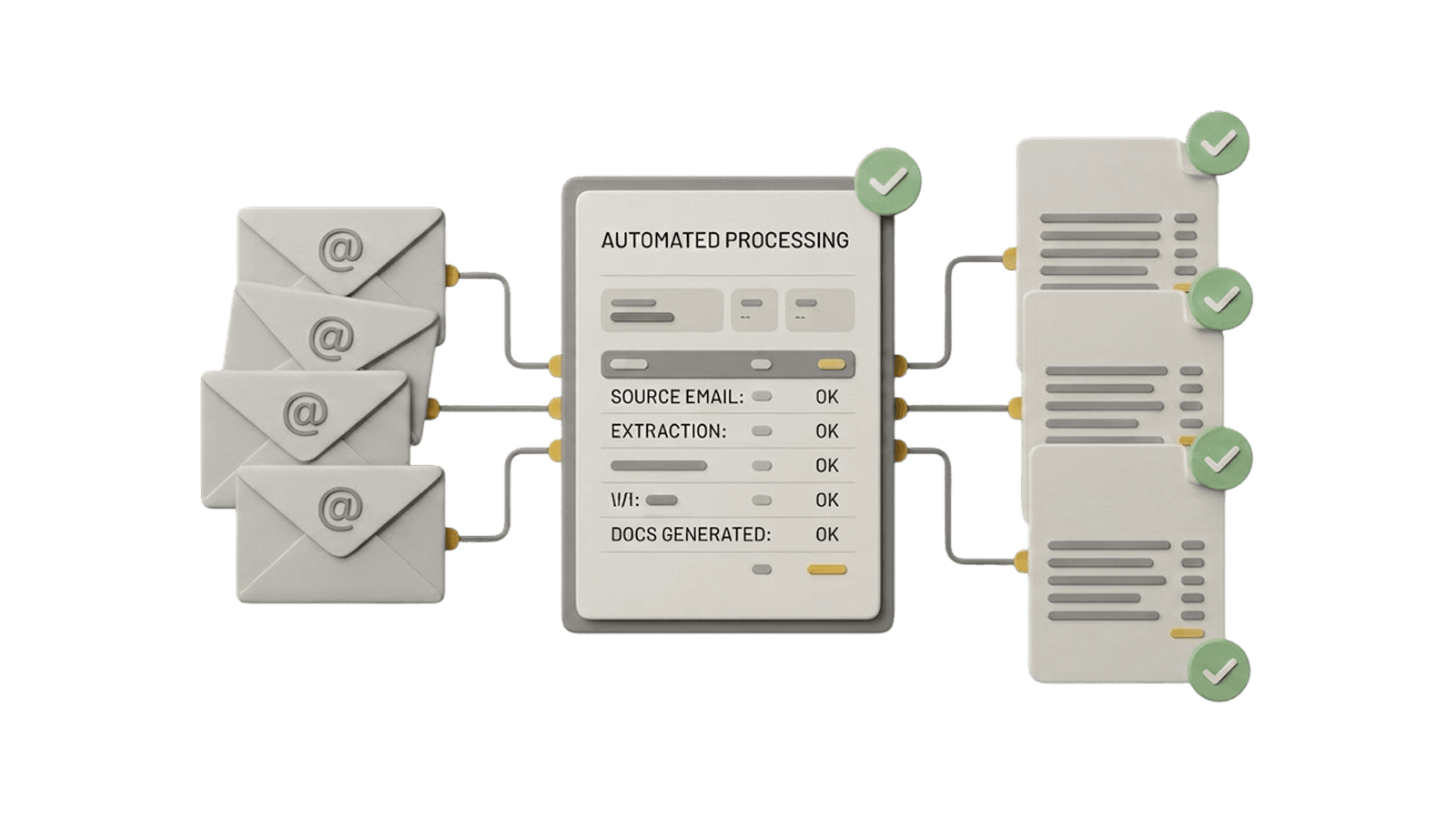
Invoices are reviewed and approved before moving forward.

What Sledge Pulls from Gmail

Sledge uses Gmail as the source of truth for incoming invoices.

Invoice emails
Invoice attachments (PDFs, scans, images)
Sender information
Email timestamps and metadata
Supporting documentation

Automate Construction Invoice Intake from Gmail

Stop sorting inboxes and downloading attachments. Let AI do it for you.

Frequently Asked Questions.

Sledge can connect to:
  • Individual Gmail inboxes
  • Shared inboxes (such as ap@company.com)
  • Google Workspace accounts

This allows Sledge to centralize invoice intake across teams, jobs, or entities.

No.

Sledge does not read all emails.

Sledge uses AI to identify and process invoice-related emails only, ignoring personal, internal, or non-invoice messages. Access is limited strictly to invoice automation.

Sledge uses AI to scan incoming Gmail messages and:
  • Detect invoice-related language and attachments
  • Identify common invoice formats
  • Automatically recognize invoices without rules or filters

No manual setup required.

No.

Sledge connects directly to Gmail and scans inboxes automatically.

You do not need to set up forwarding rules, labels, or filters unless you choose to.

Once an invoice is detected:
  • Sledge extracts line items, totals, vendors, and dates
  • The invoice enters approval or rejection workflows
  • Nothing syncs to accounting until it's approved

This keeps you fully in control while eliminating manual data entry.

Yes. Sledge uses secure authentication and modern security best practices when connecting to Gmail and Google Workspace. Data access is limited to what's required for invoice automation only.
Most teams connect Gmail to Sledge in just a few minutes. No IT involvement, complex setup, or long onboarding required.